CS2 (CS:GO) Jump Throw Bind in 2026: Banned? What Works
Jump throw binds stopped working in CS2 in August 2024. How to jump throw by hand in 2026, set up a scroll-wheel jump, and practice lineups.
Counter-Strike is more than a shooting game. Utility wins rounds, and many of the most useful smokes and flashes are jump throws. For years, players used a jump throw bind to make those throws perfectly consistent.
That changed in CS2. In August 2024, Valve disabled binds that combine several movement and shooting actions on one key, and the classic jump throw bind stopped working on official servers. In this Mannco Store guide, we explain what happened to the jump throw bind, how to do jump throws without it in 2026, and how the mouse wheel still helps.
Whether you are a new player or coming back from CS:GO, this guide will get your lineups working again.
What Are Jump Throw Binds?
A jump throw is when you jump and release a grenade at the same moment. Many smoke and flash lineups only work as a jump throw, because the extra height makes the grenade fly further.
A jump throw bind put both actions on one key, so the grenade always left your hand at exactly the same time.
Understanding Jump Throw Mechanism
A grenade's path depends on where you are and how you move when you release it. In CS:GO, a jump throw had to be timed almost perfectly. If you released the grenade a little too early or too late, it landed somewhere else. That's why the bind was so popular: it removed the human timing error.
CS2 changed how jump throws work. According to prosettings.net, the timing window for a perfect jump throw is much larger in CS2, so it's far easier to hit by hand than it was in CS:GO.
Are Jump Throw Binds Banned In CS2?
Yes. In the August 19, 2024 update, Valve changed how binds work. Per the official patch notes, binds that include more than one movement or attack command are now ignored by default. This was done to stop "input automation", such as null binds, snap tap and jump throw binds.
In practice:
- A classic jump throw bind (for example one that combines +jump and -attack) does nothing on official Valve servers;
- The setting that turns these binds back on,
cl_allow_multi_input_binds 1, is cheat-protected. It only works on a server with sv_cheats enabled, so you can use it in a private practice server but not in matchmaking; - Binds with a single action, such as jump on the mouse wheel, still work.
You can read Valve's notes for every update on the official Counter-Strike 2 updates page.
Doing Jump Throws Without A Bind
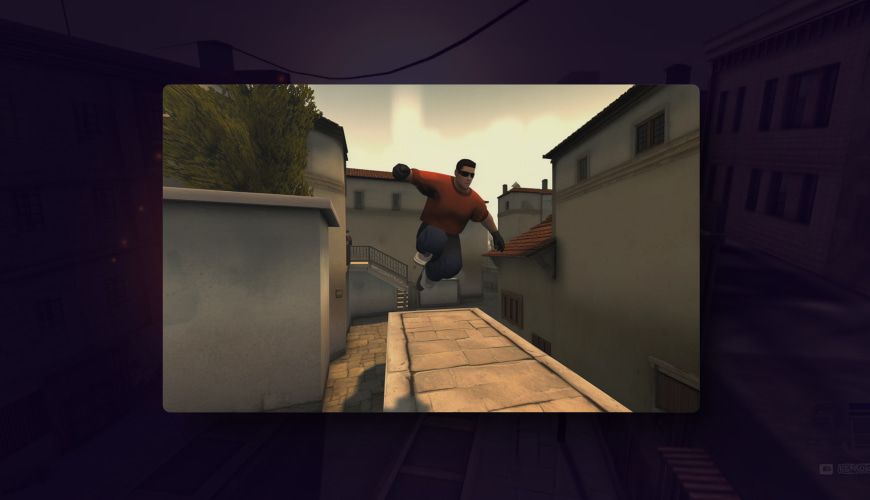
Without a bind, you have to time the jump and the release yourself. Thanks to the bigger window in CS2, it doesn't take long to learn.
The Basic Technique
Here's how to do a manual jump throw in CS2:
- Take out the grenade and hold the left mouse button (or right mouse button for a short throw) to pull the pin;
- Line up your crosshair with the spot from your lineup;
- Press jump and release the mouse button at the same moment;
- Don't move your mouse or your movement keys while you throw, unless the lineup tells you to.
The key is to release the grenade on the way up, not at the top of the jump or on the way down. If you release it too late, the grenade lands short or off target.
Setting Up Your Binds
Even without a jump throw bind, a few single-action binds make your life easier. To use the console, go to Settings > Game and set "Enable Developer Console (~)" to "Yes". Then press the ~ key to open it.
- Jump on the mouse wheel:
bind mwheeldown +jump. A lot of players use it for jump throws, because scrolling and clicking at the same time feels natural; - Keep jump on space as well:
bind space +jump. This way you can jump with both; - Save your binds: put them in an autoexec.cfg file in your CS2 cfg folder, and add
+exec autoexecto your launch options. Our autoexec guide and CS2 launch options guide explain how.
Mastering Mouse Wheel Techniques
The mouse wheel is a big help for jump throws in CS2, and it's completely allowed, since a jump on the scroll wheel is a single action.
Utilizing Mouse Wheel for Precise Throws
When jump is on the mouse wheel, your jump and your grenade release both happen on the mouse. Many players find it easier to time a scroll and a click on the same hand than a click and a space bar press on two hands.
Try both ways in a practice server and keep the one you hit more consistently.
Learning Mouse Wheel Jump Bind
To set it up, open the console and type:
bind mwheeldown +jump
or, if you prefer scrolling up:
bind mwheelup +jump
Then practice: hold the grenade, scroll and release the click at the same moment. After a few dozen throws, it becomes second nature.
Practice and Training Tips
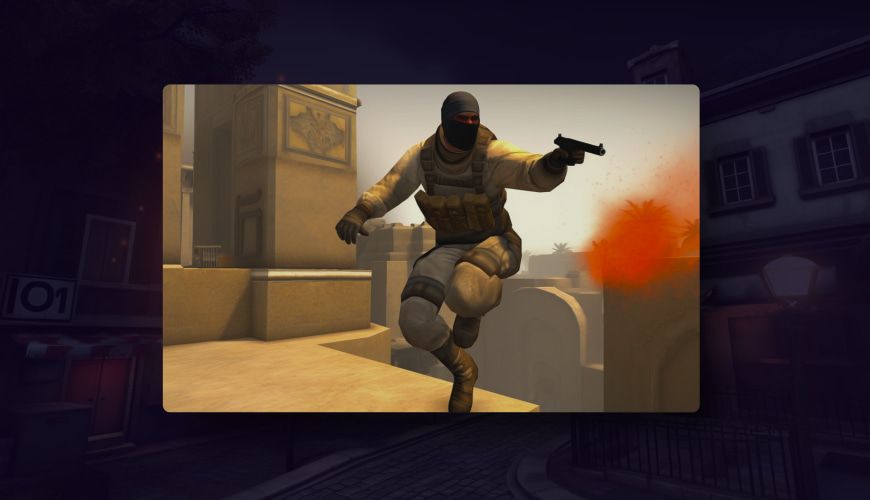
Practice is what makes manual jump throws reliable. A private server lets you repeat the same throw over and over.
Perfecting Throw Timing
Some exercises to help you refine your jump throw timing:
- Practice Mode. Start a private match and use a practice setup that shows grenade trajectories and lets you throw again quickly. The same throw, repeated many times, builds the timing;
- Practice with a bind first. On your own practice server with sv_cheats on, you can enable
cl_allow_multi_input_binds 1to see where a perfect jump throw should land. Then try to match it by hand; - Consistency is Key. Practice a little every day rather than a lot once a week;
- Analyze Professional Players. Watch how pros throw utility in demos and streams.
Navigating Obstacles with Jump Throws
Here's how to get better at jump throws over walls and buildings:
- Obstacle Recognition. Learn where jump throws help you on CS2 maps. They are often used to throw over tall walls and roofs;
- Custom Practice. Try different angles and positions. A small step to the left or right often changes where a jump throw lands;
- Watch Tutorials. Look for lineup videos made for CS2. Some CS:GO lineups no longer work, because maps and grenade physics changed;
- Adaptation. In a live match, you won't always stand in the perfect spot. Learn a few backup throws for each key smoke.
Advanced Techniques
Once you can do jump throws reliably, you can use them in more advanced ways.
Flashbang Placement with Jump Throws
Here's how to get the most out of your flashbangs:
- Learn Pop Flashes. A pop flash goes off right as it comes into the enemy's view, so they have no time to turn away;
- Use Creative Angles. Bounce flashbangs off walls or ceilings to surprise your opponents;
- Team Coordination. Throw your flashes when your teammates are ready to peek;
- Practice and Timing. A good flash only works if it's thrown at the right moment. Practice it as much as your smokes.
Smoke and Molotov Strategies
CS2 smokes are different from CS:GO smokes. They fill the space around them, can be pushed open by an HE grenade, and bullets cut holes through them. Molotovs that land in a smoke are put out. Keep that in mind when you plan your utility:
- Map Knowledge. Learn the key chokepoints on each map and the smokes that block them;
- Lineup Guides. Use lineups made for CS2. They tell you where to stand, where to aim and whether you need a jump throw;
- Adaptability. Use smokes and molotovs to take map control on attack and to slow down pushes on defense;
- Team Communication. Tell your team when you throw, so they can use your utility.
Staying Up-to-Date
CS2 gets regular updates, and some of them change how movement and grenades behave. For example, an October 2024 update made jump height more consistent, which slightly changed the path of some jump throws. Staying up to date helps you keep your lineups working.
Adapting to Game Updates
To keep your jump throws working after updates:
- Patch Notes. Read the official update notes after every major update, especially anything about jumping, grenades or binds;
- Community Discussions. Check forums and social media to see whether players report changed lineups;
- Experiment and Adapt. After a big update, run through your most important lineups in a practice server to make sure they still land.
Community Tips and Insights
Here's how to learn from other players:
- Online Communities. Join CS2 forums, subreddits and Discord servers where players share lineups and tips;
- Professional Player Streams. Many pros explain their utility while they stream;
- Ask for Feedback. Experienced players are often happy to help;
- Contribute and Share. If you find a new lineup, share it with the community.
Conclusion
In conclusion of our blog post, the jump throw bind is gone from official CS2 servers, but jump throws are here to stay. CS2's bigger timing window makes them much easier to do by hand than they were in CS:GO, and a jump on the mouse wheel makes the timing even more comfortable. With some practice in a private server, you'll hit your lineups just as consistently as you did with a bind.
FAQ
Are jump throw binds allowed in CS2?
No. Since the August 19, 2024 update, binds that combine several movement or attack commands are ignored on official servers. A jump throw bind does nothing in matchmaking.
What does cl_allow_multi_input_binds do?
It turns multi-action binds, like the jump throw bind, back on. It's cheat-protected, so it only works on servers with sv_cheats enabled, such as your own practice server.
Can I still bind jump to the mouse wheel in CS2?
Yes. A bind with a single action, such as bind mwheeldown +jump, works normally.
Do I need a jump throw bind in CS2?
No. The timing window for jump throws is much larger in CS2 than it was in CS:GO, so you can do them reliably by hand with a little practice.
Do CS:GO jump throw lineups work in CS2?
Some do, many don't. Maps, grenade physics and smokes changed in CS2. Use lineups made specifically for CS2.
Artículos relacionados
CS2 (CS:GO) Anime Stickers: Best Picks for 2026
The best CS2 anime stickers in 2026, from Kawaii Killer T and CT to Water Gun, plus how anime stickers affect skin trading and value.
CS2 (CS:GO) Player Count in 2026: Popularity & Stats
How many people play CS2? Player counts as of October 2026 from Steam Charts, monthly trends since 2023, and what keeps Counter-Strike on top of Steam.
How to 1v1 in CS2 (CS:GO): Servers, Lobbies & Commands
How to 1v1 in CS2 in 2026: private lobbies with friends, community 1v1 and arena servers, Wingman, and console commands that still work.